Kudzu Engine
A downloadable game for Windows
   _  __         _             ______             _
  | |/ /        | |           |  ____|           (_)
  | ' /_   _  __| |_____   _  | |__   _ __   __ _ _ _ __   ___
  |  <| | | |/ _` |_  / | | | |  __| | '_ \ / _` | | '_ \ / _ \
  | . \ |_| | (_| |/ /| |_| | | |____| | | | (_| | | | | |  __/
  |_|\_\__,_|\__,_/___|\__,_| |______|_| |_|\__, |_|_| |_|\___|
                                             __/ |
                                            |___/
About
The Kudzu Engine is a cross-platform, voxel-based game engine developed by a team of students at Breda University of Applied Sciences. We had a total of 8 weeks to develop the engine and 8 more weeks to make a game. These games could be played on the PlayStation 5 and PC.
Running the Game 🎮
- Open "Example Game" folder
- Run "Technical-Demo.exe"
Running the Engine 🛠
- Open "Engine" folder
- Run "Kudzu.exe"
- In the "Recent Projects" pop-up, click on "Techincal-Demo.kdproj"
How to use the Engine (More Details)
How to Use the Engine
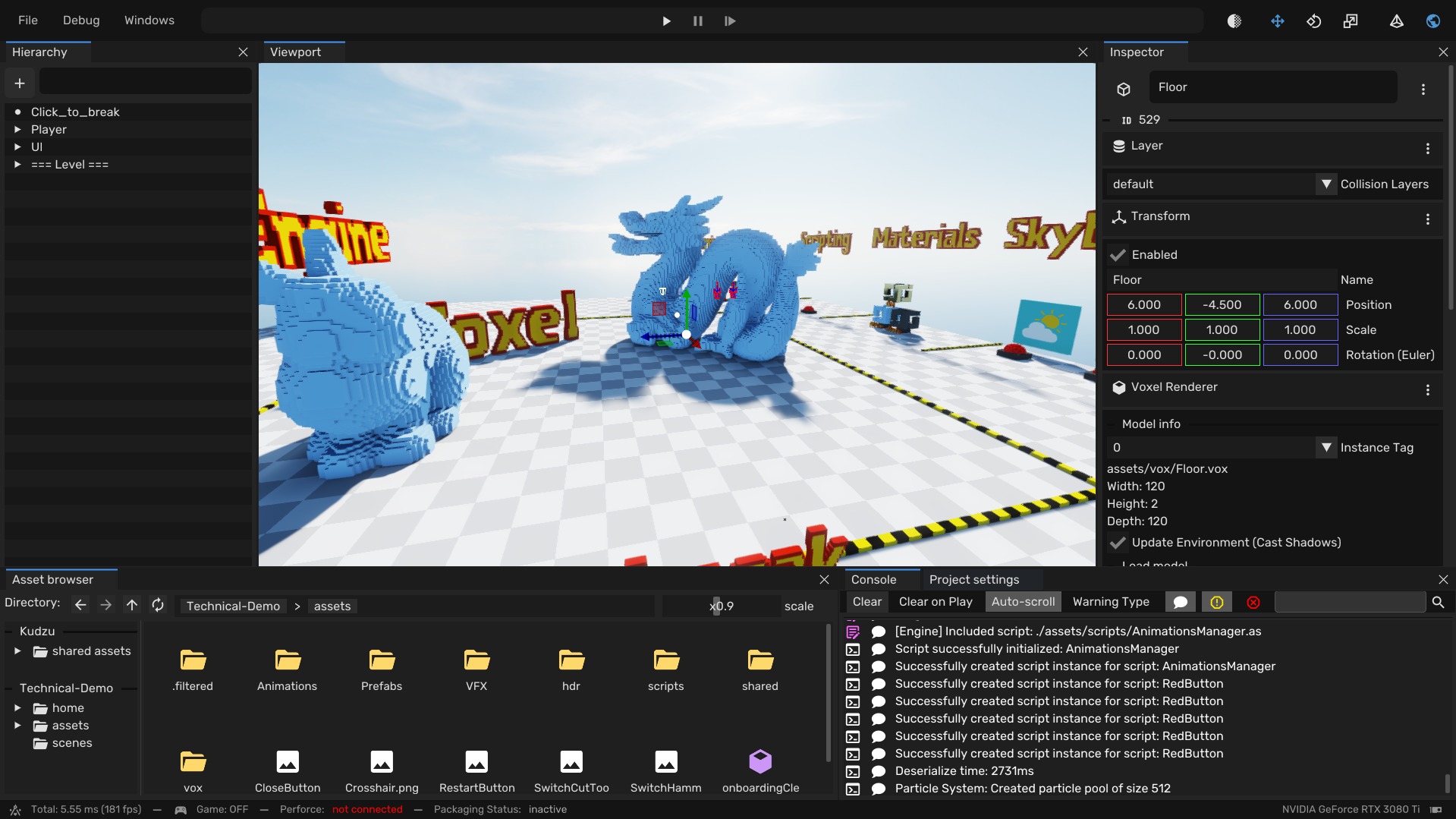
Now that you've opened a project, you have full access to modify the game. You can change:
- Levels
- Models
- Scripts
- Properties
Anything we used to make the game!
To move the camera, hold right click in the viewport and use WASD to move.
Click on objects to inspect them.
You can use the gizmo to:
- Move
- Rotate
- Scale (Does not work with physics objects)
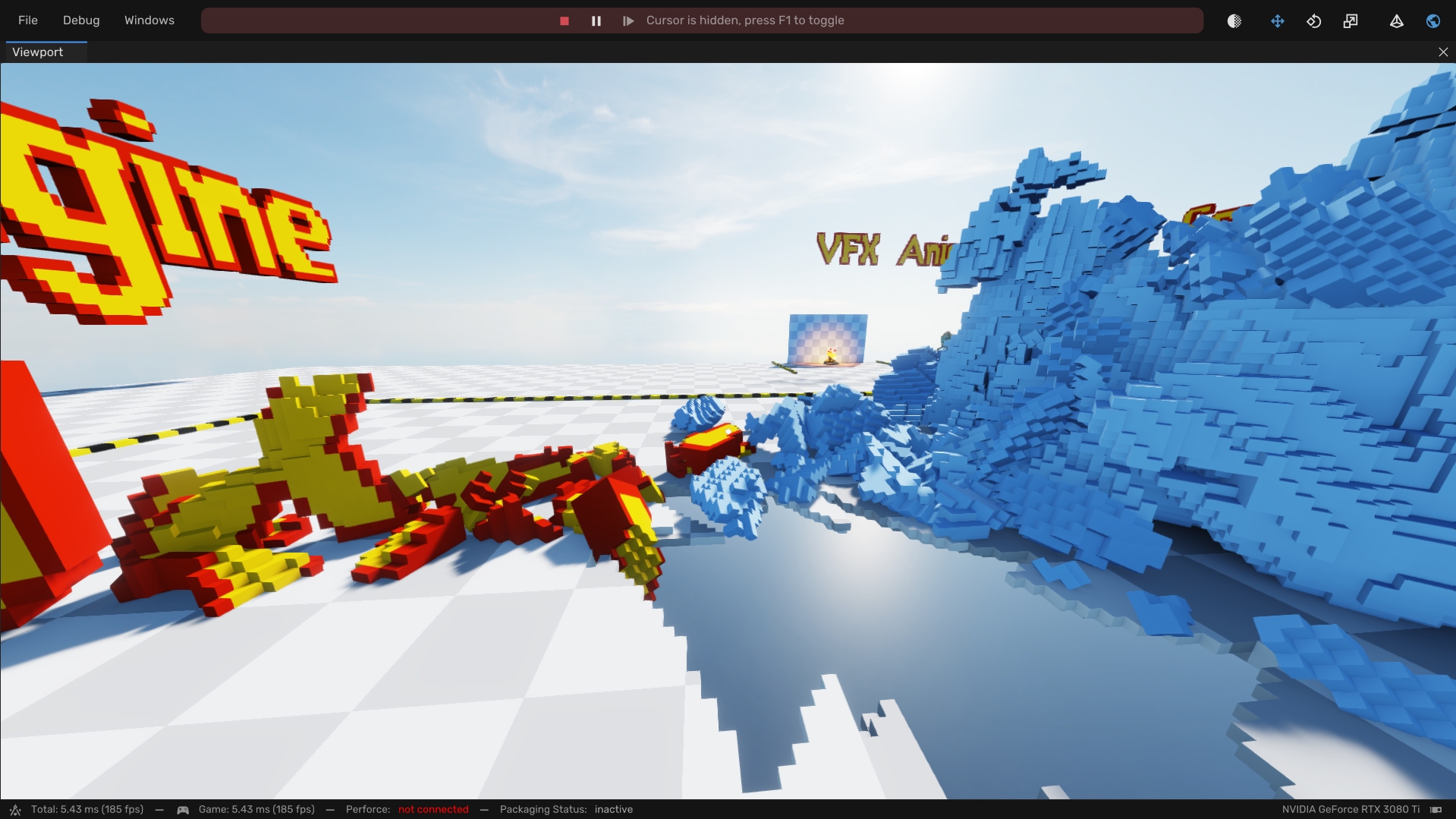
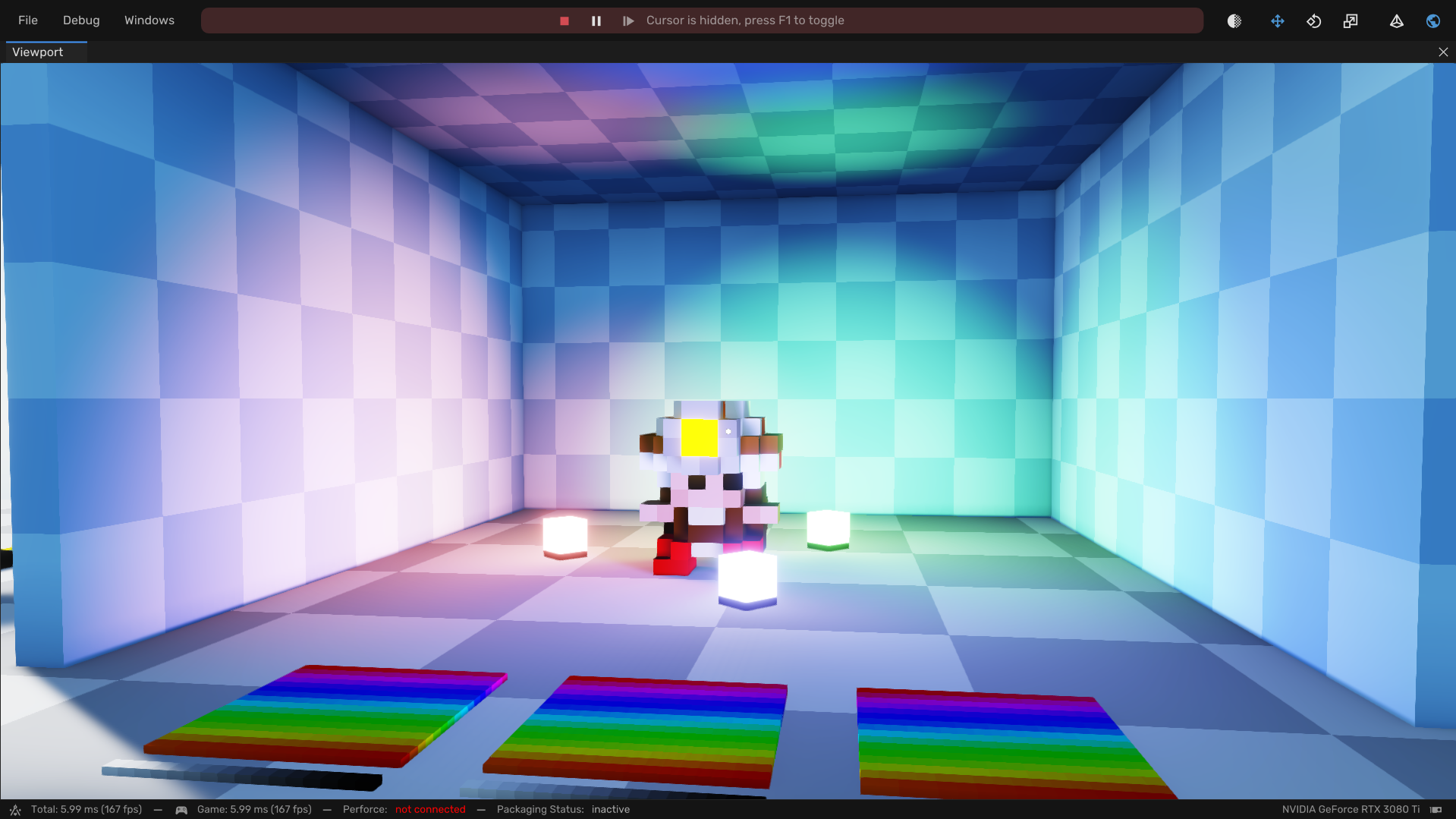
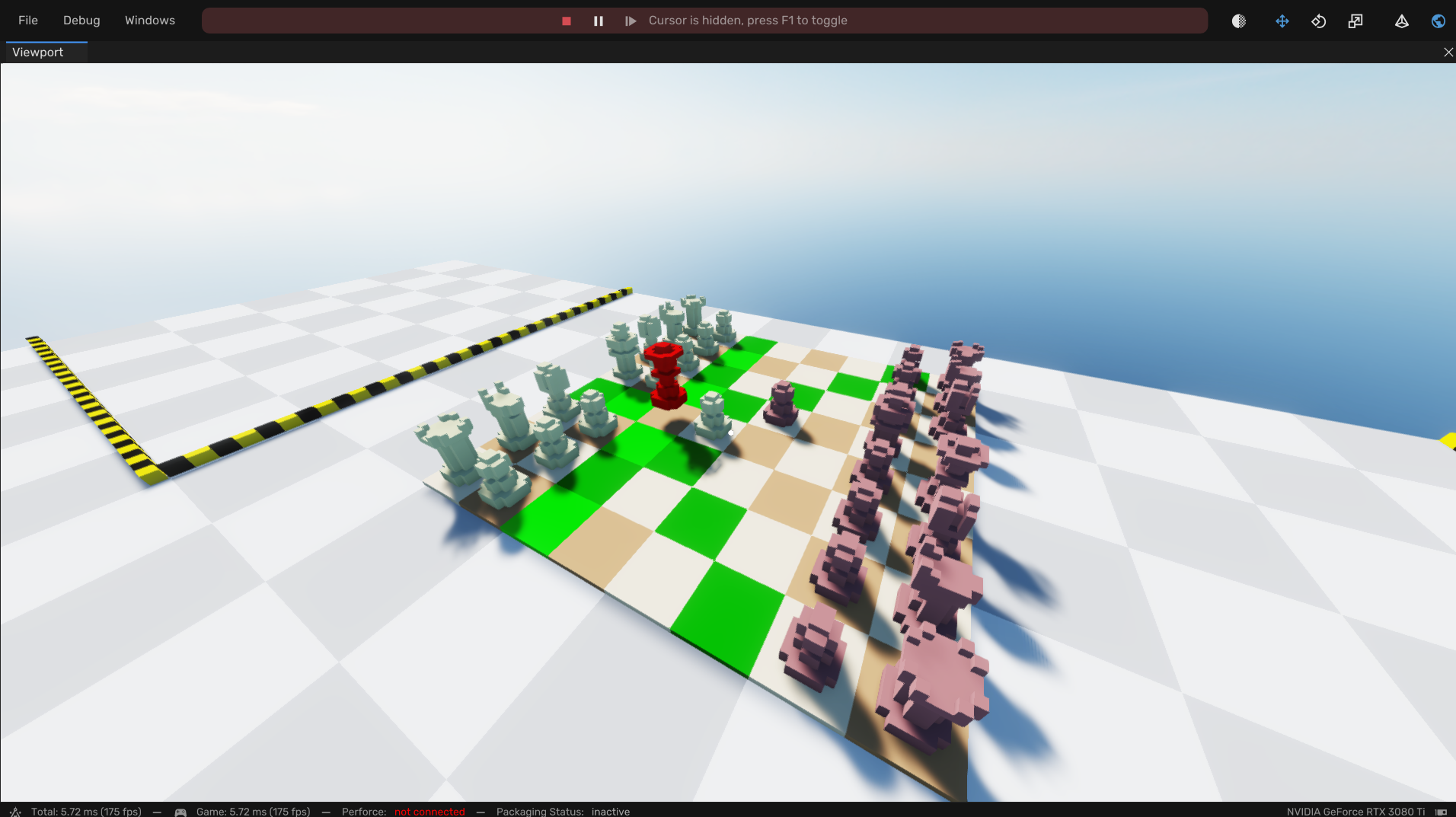
Running the Game in Engine
At the top of the screen there is a ▶ (play) button:
- Click = play
- Shift + Click = play in fullscreen
Examples
All gameplay logic is written in scripts. These scripts have values you can change in the editor.
Player Stats:
- Click on the player in the Hierarchy window
- In the Inspector window, scroll down to the
Scriptscomponent - Open the
./assets/scripts/Player.asdropdown by clicking ▶ - Open
Properties - Change the values, for example
move_speed,player_height,jump_force - Click play and test the values!
Writing Code
For all coders, you can look inside the script and change the code! Let's start with the player script:
- In the Asset Browser window, go to
Technical-Demo > assets > scripts - Double-click
Player.as - I recommend using Visual Studio Code with this extension: AngelScript LSP for VS Code
- Change the code
- Reload the script by:
- Clicking the refresh button in the Scripts component on the player
- OR open
Windows > Scripting System > Scriptsand click “Reload all loaded scripts”
Released Games
We made 3 games using the Kudzu Engine.
Zentera: Made in a team 16 people including designers, artists and programmers
Kudzu Puzzle Demo: First Demo to showcase what the engine was capable of
Technical Demo (This one): A demo that includes the actual engine
If you experience any issues, or have feedback, please report them in the comment section!
Download
Leave a comment
Log in with itch.io to leave a comment.